Piano included
The app opens with an example project and an acoustic piano ready to go. Connect your keyboard and play before looking for any file.
 Download free
Your live setup in the palm of your hand.
Plug your MIDI keyboard into a phone or tablet and play real sounds. Build layers, splits and scenes, mix every instrument and take it all to the stage, rehearsal or church service, with no laptop and no internet required.
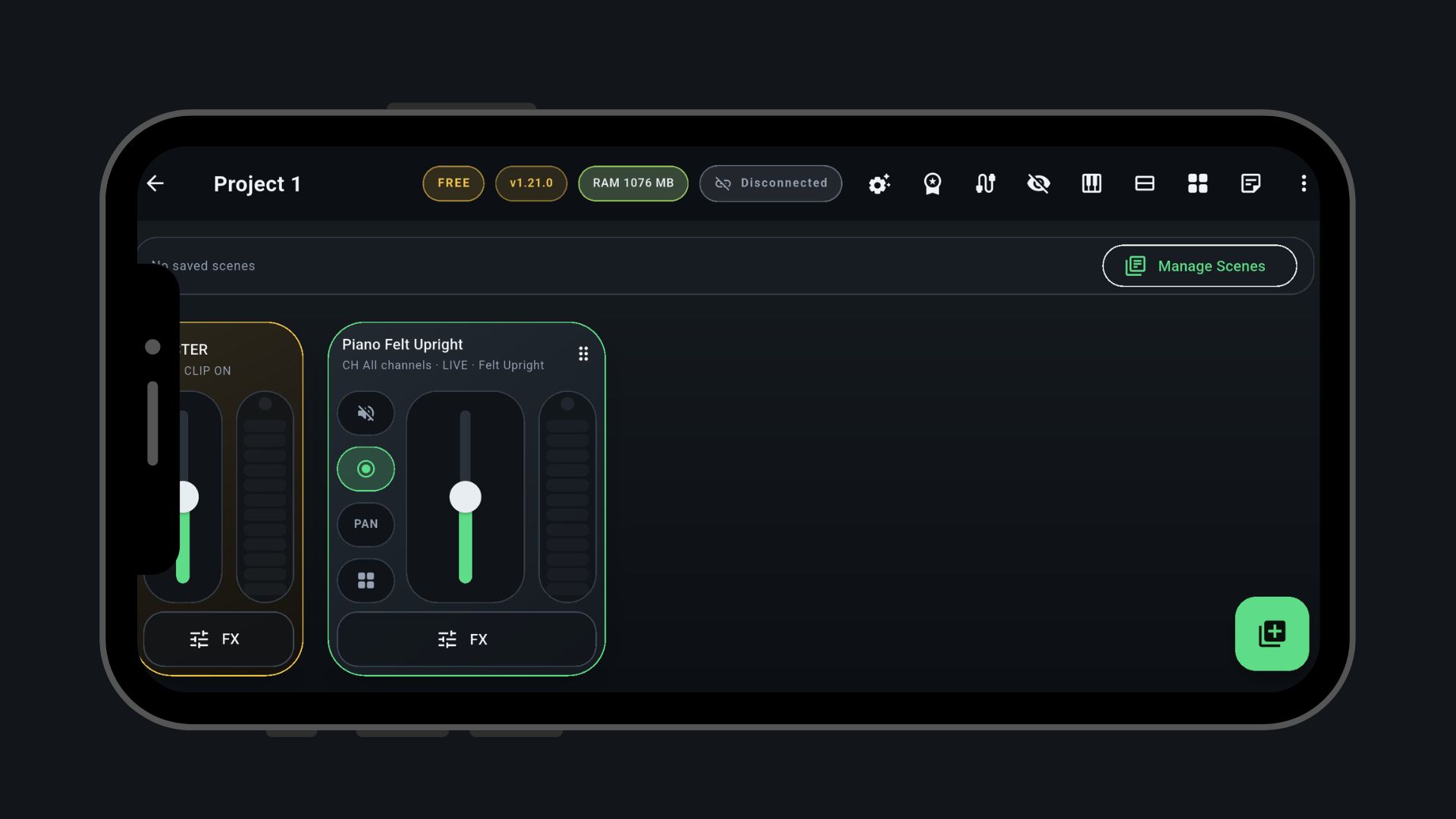
The same .sf2 files you already use, on a screen
built for playing: arm the instrument, set the fader and play.
.sf2 files and pick the preset by name.MIDILIVE does not try to be a full studio. It focuses on what live musicians need: open a project, load sounds, adjust layers and get reliable response from the controller.
The app opens with an example project and an acoustic piano ready to go. Connect your keyboard and play before looking for any file.
Import .sf2 SoundFonts, listen before saving and
reuse the same library across projects.
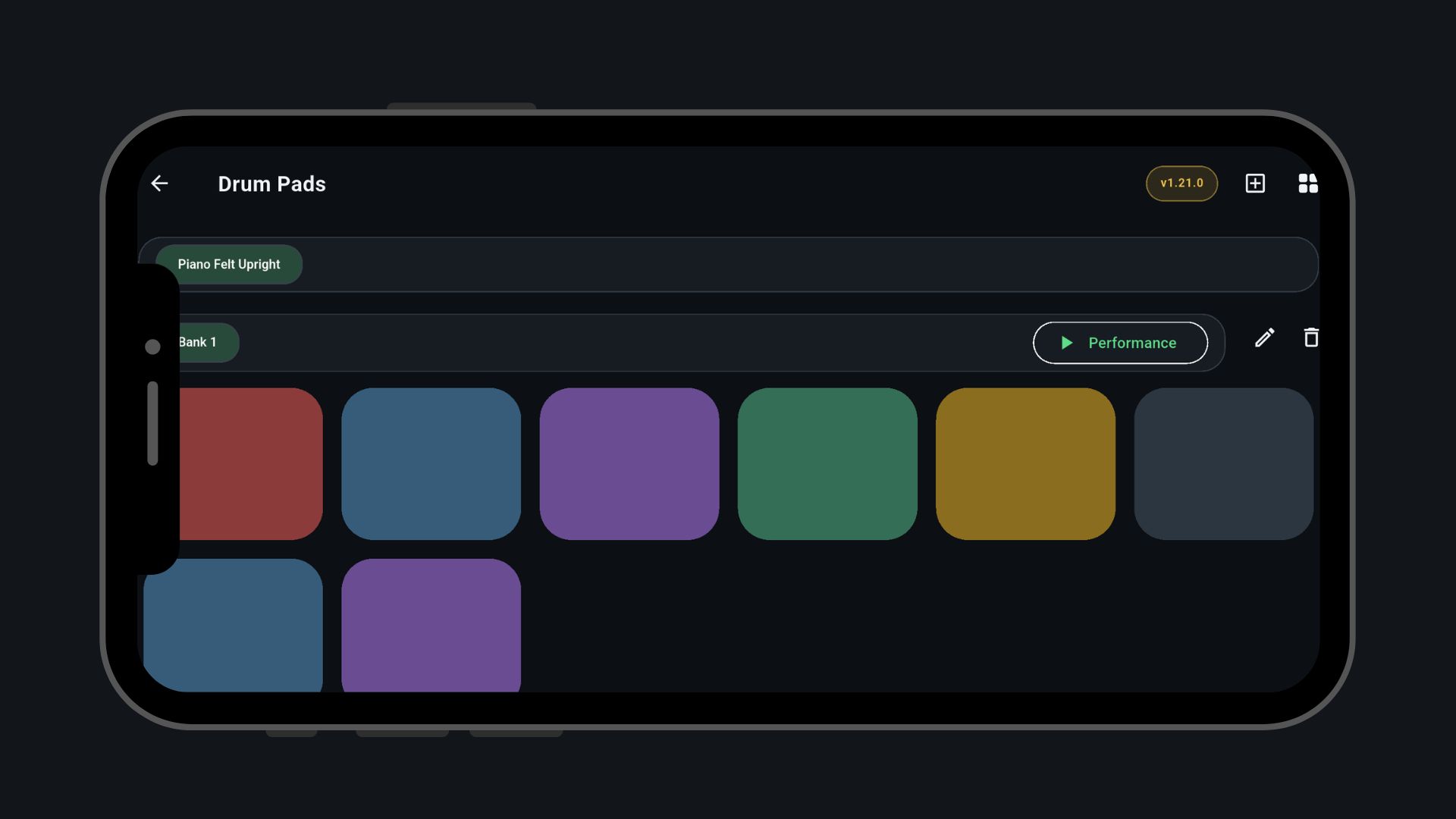
Arm instruments, move faders, switch scenes and trigger pads without digging through long menus mid-song.
Android and iOS, USB or Bluetooth MIDI, and everything stored on the device so you can play where there is no signal.
From preparing at home to the last chord: all of this is already in the app, and almost all of it works on the free plan too.
Prepare your setup calmly and get on stage with no surprises.
.zip that can carry the sounds and controller mapping to another device.
What you need mid-song is one tap away.
Fine-tune every layer and your keyboard.
Download from Google Play or the App Store and start on the Free plan, with no deadline.
The example project opens with a piano. Connect your keyboard and hear the engine right away.
Import your .sf2 files and set channels, layers, splits, scenes and pads.
Run the stage checklist, connect over USB or Bluetooth and play at rehearsal, service or show.
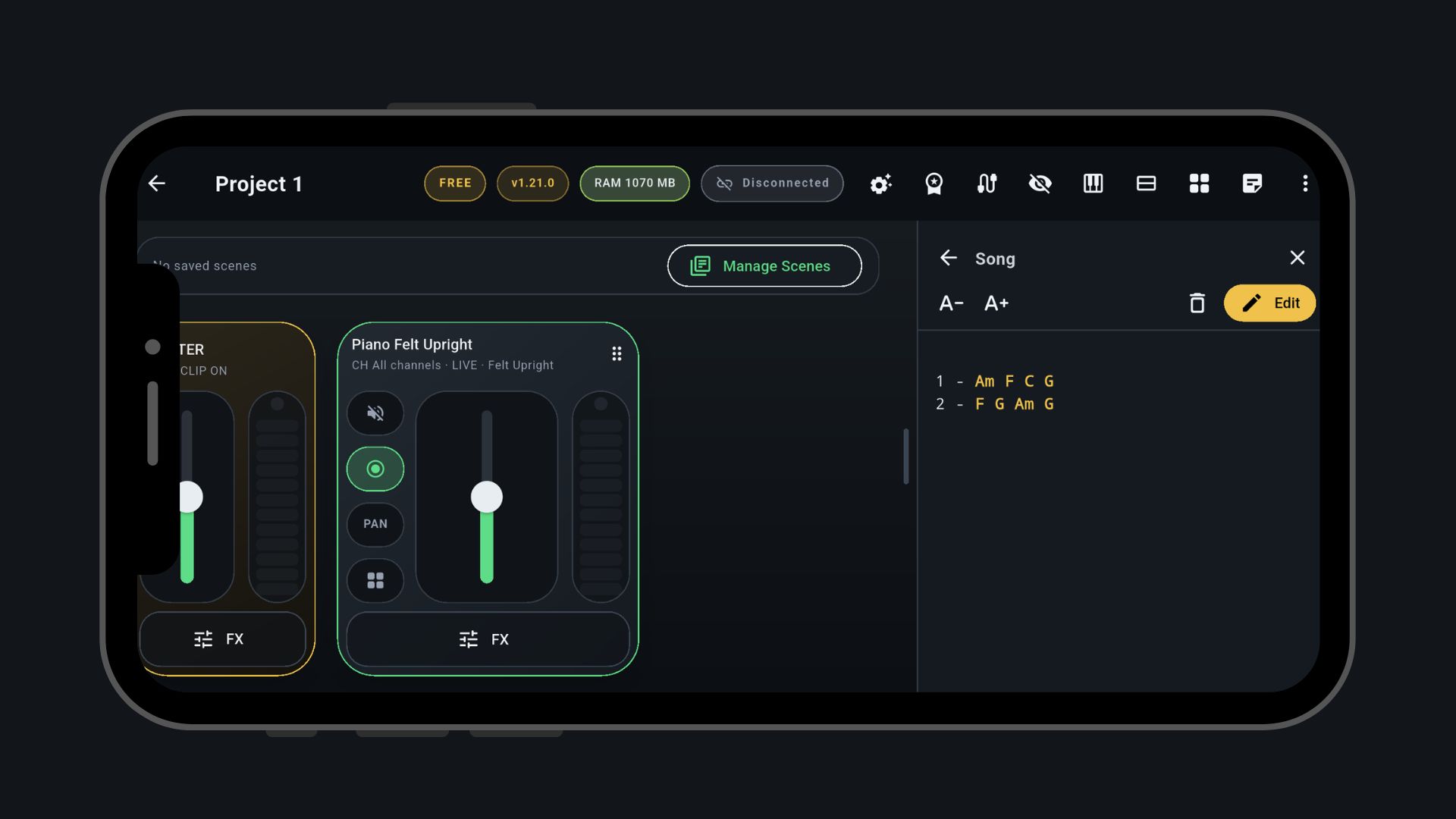
Scenes per song, piano, pad and string layers, and the chord chart open next to the mixer.
Simple control for rehearsal and stage without carrying a laptop, interface and sound module.
Your phone or tablet becomes the sound module for your controller keyboard, for practice and performance.
Mixer, song charts, scenes, Drum Pads, FX and MIDI connection: what you use on stage stays one tap away from the main screen.
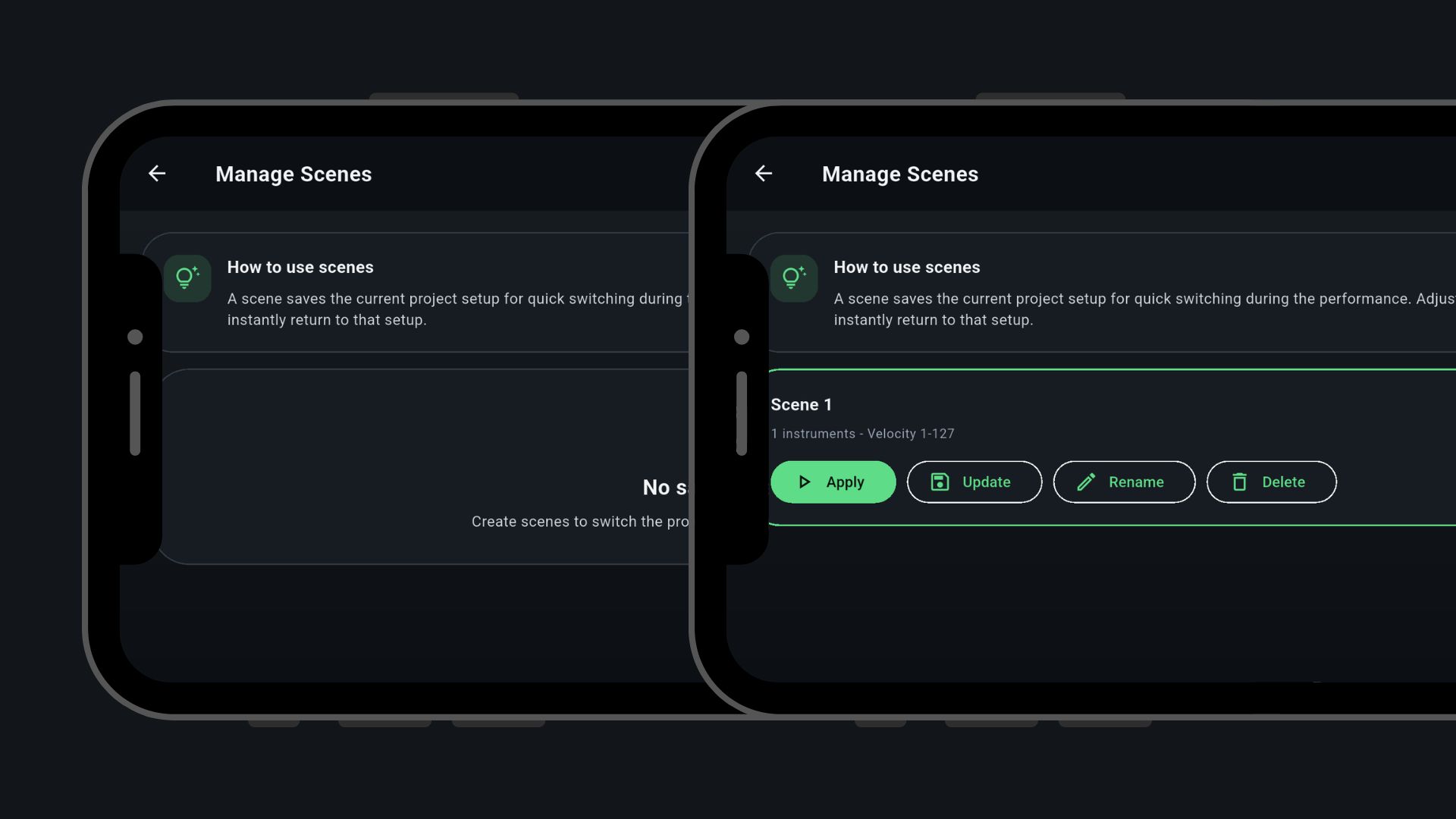
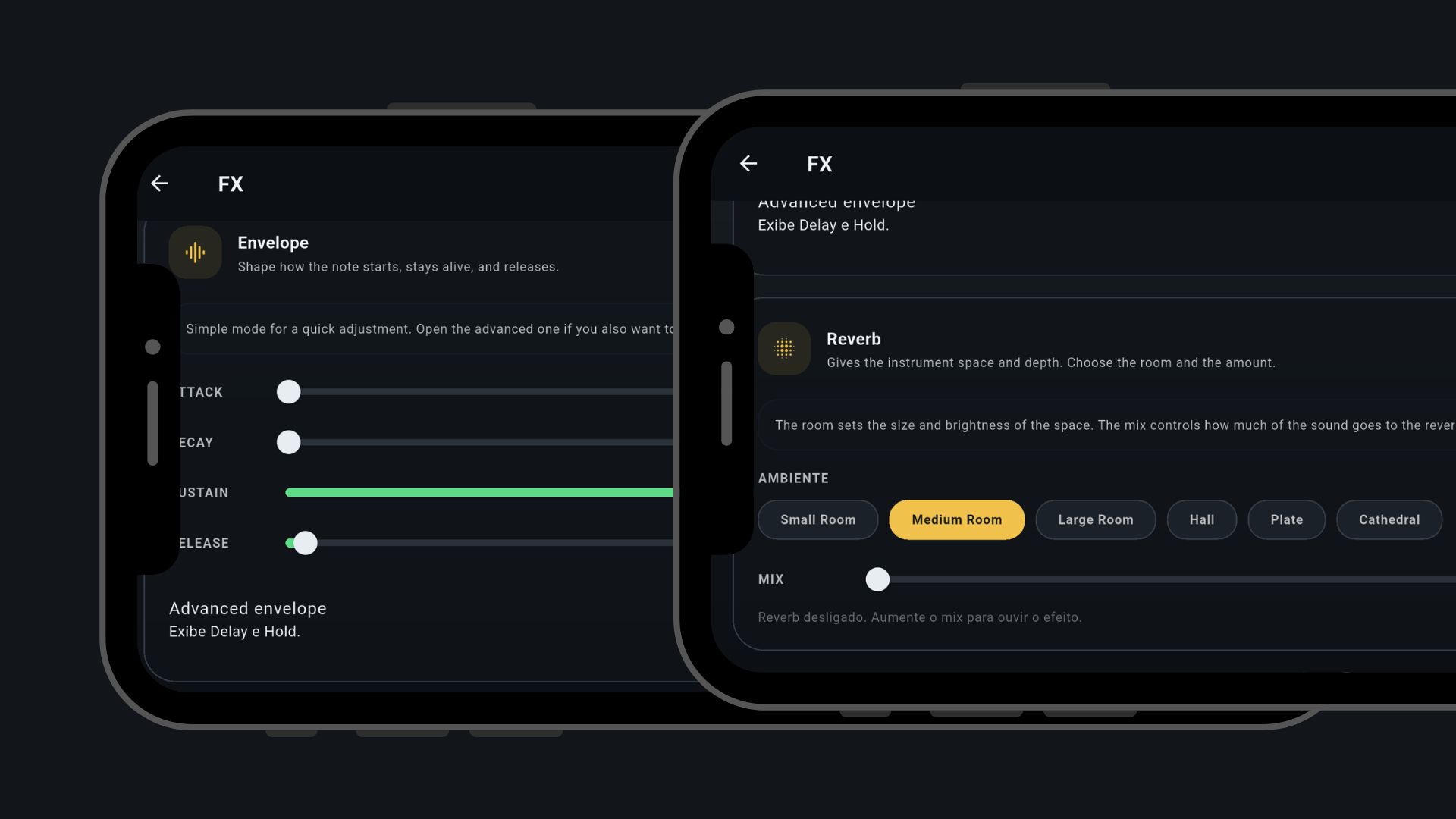
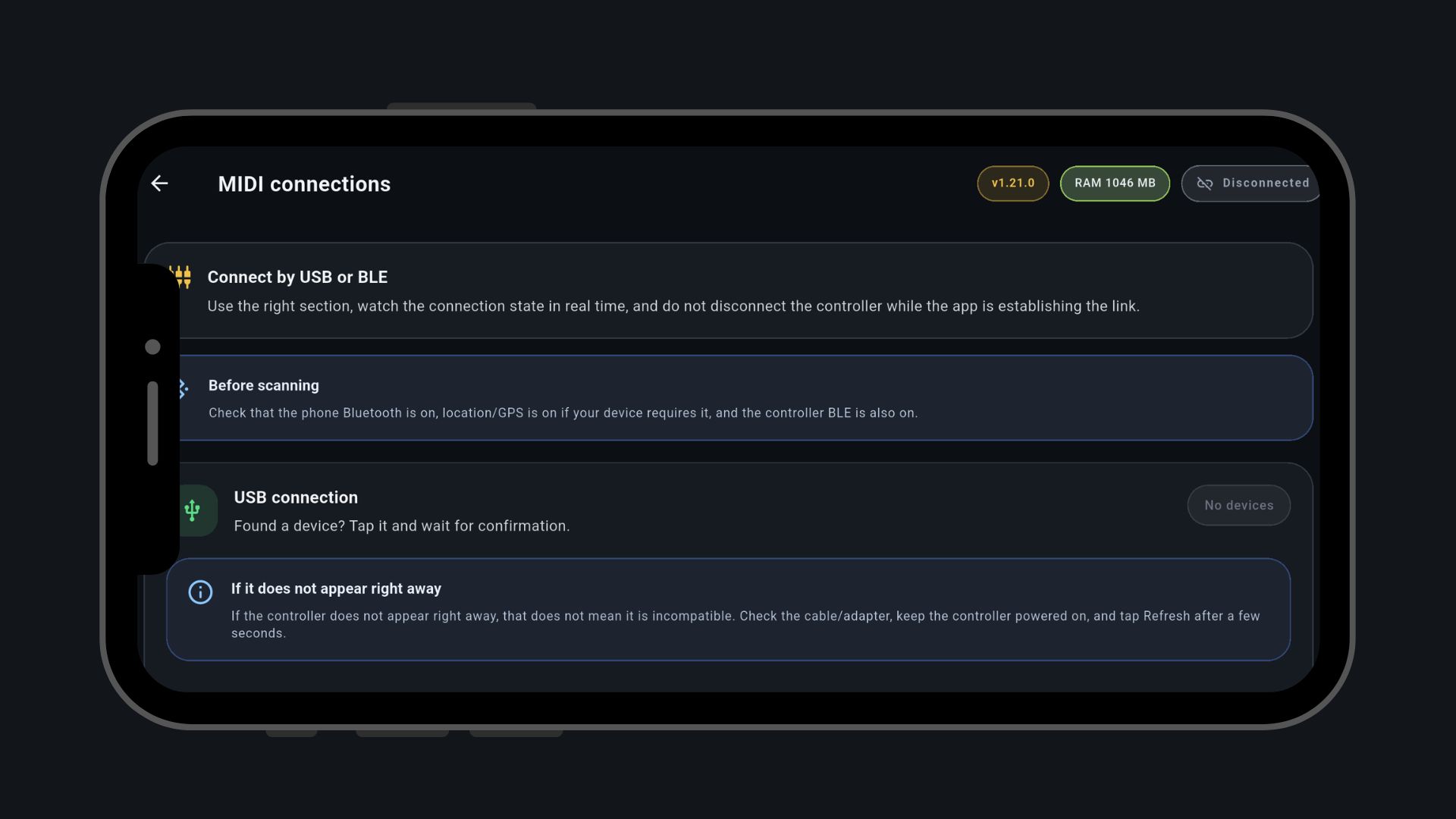
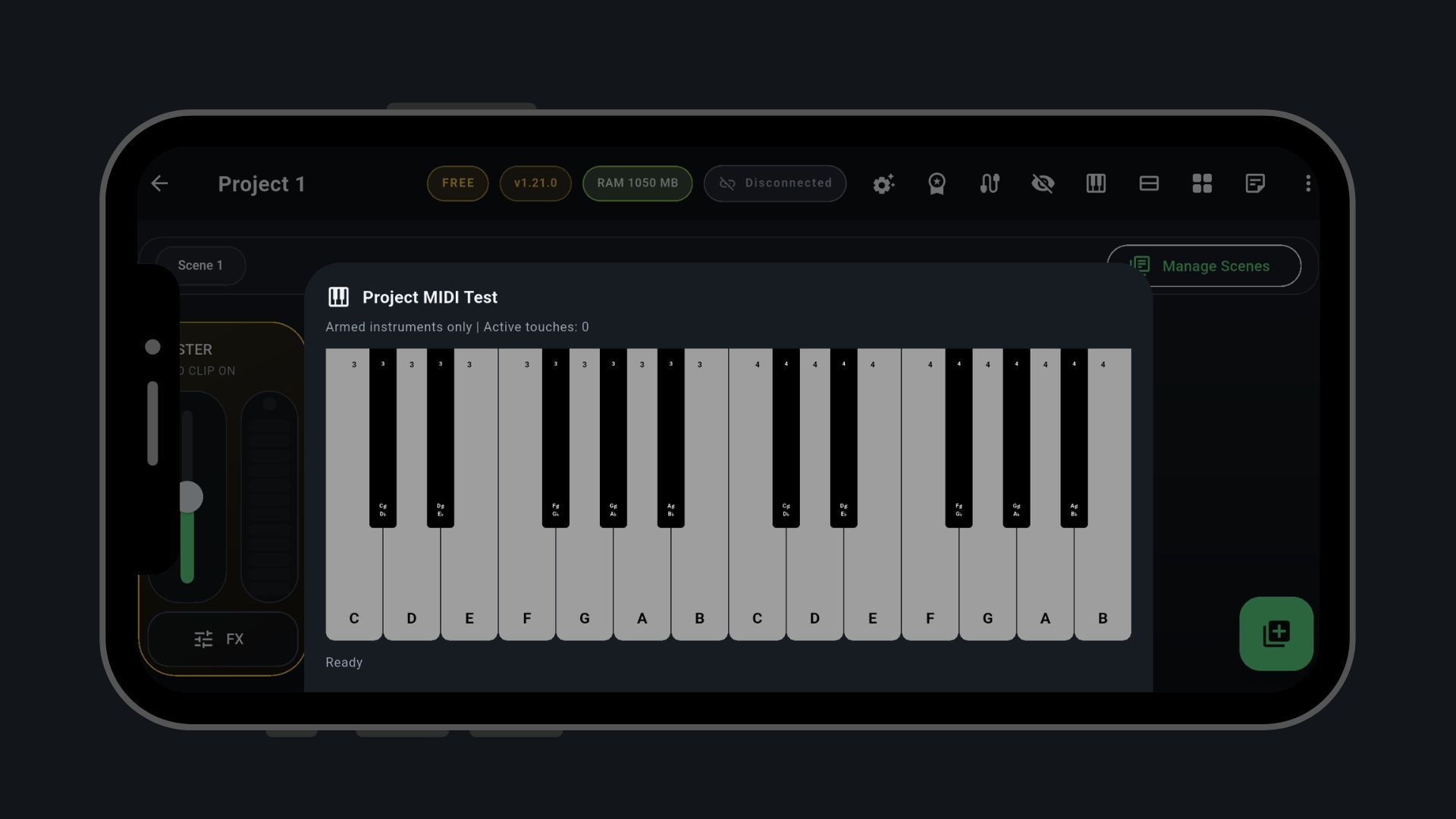
Scenes, Drum Pads, FX, metronome, chord charts, mappings and export work on both plans. What changes is the size of your setup.
Check the connection, how your device sounds and the stage workflow, with no deadline.
Pay once in the store and PRO stays unlocked on your account. No subscription, and it works offline.
No. The Free plan has no deadline and includes every feature. PRO only removes the limits on projects, instruments, recording length and controllers.
No. PRO is a one-time purchase through Google Play or the App Store. It stays unlocked on your account and works offline. The price is shown in the store.
1 project, 2 instruments per project, recordings of up to 10 minutes and 1 MIDI controller at a time. Scenes, Drum Pads, FX, metronome, chord charts, mappings and export are all included. The example project counts as your project: edit it or delete it to create another.
No. The app comes with a freely licensed acoustic piano and an example project ready to play. For other sounds, import .sf2 files you have the right to use.
.sf2 SoundFonts for instruments. Drum Pads can also play .mp3 and .wav audio files. SF3 and SFZ are not supported.
Yes. Projects, sounds and recordings stay on the device, and PRO works offline too.
Yes, on Android and iOS, as long as the device, adapter and controller support that connection type. On Android, USB connects on its own when you plug the controller in.
For a USB controller on Android, usually yes: an OTG adapter. For Bluetooth, the controller needs Bluetooth MIDI support.
Yes, with PRO. Each instrument picks which controller plays it, and scenes and the master can be tied to a specific controller. Free allows 1 controller at a time.
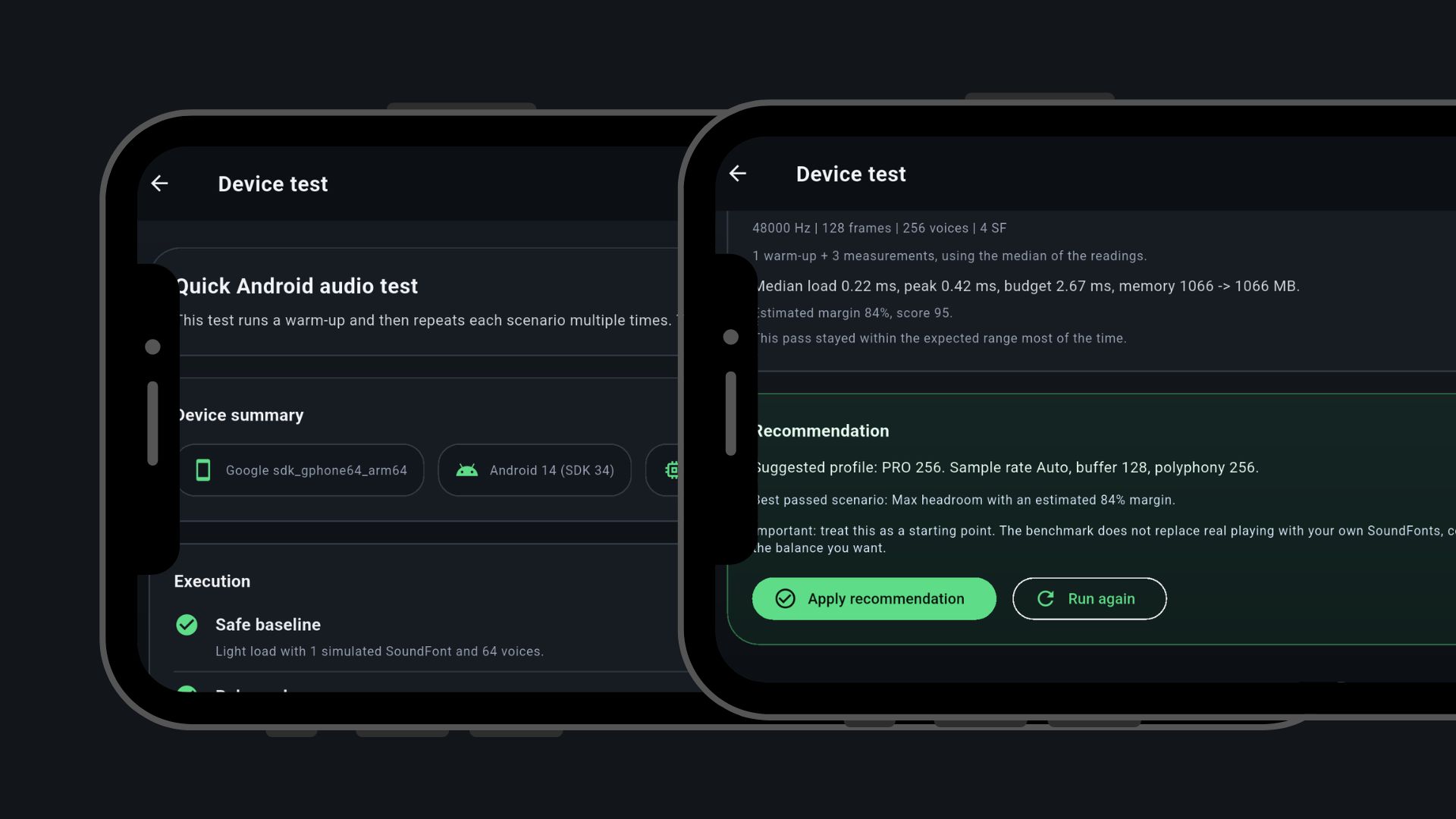
It depends on the device and how many sounds you load. On Android, the Device test measures audio headroom and suggests sample rate, buffer and polyphony. Install for free and test your own setup before buying.
Latency depends on the device and the buffer you pick. The app shows the latency of each buffer option so you can balance response and stability.
English, Portuguese and Spanish. You can switch the language in Settings.
Start on Free with the included piano, check it with your controller and unlock PRO when your setlist needs more, paying only once.